 anypaypos








SEARCH WHAT YOU WANT
Search allProductNews
SEARCH
For small businesses, choosing a suitable POS system can directly influence daily operation efficiency.
Unlike large retail chains with dedicated IT teams, small stores usually need equipment that is simple to operate, easy to maintain and reliable during long working hours.
A touch screen POS system for small business applications provides a more intuitive way for employees to manage sales, products and customer transactions.
Compared with traditional cash registers, touchscreen POS systems offer more flexibility.
Employees can:
For small retailers, cafés, restaurants and specialty stores, space is often limited. A compact POS terminal can help create a cleaner checkout counter while still providing professional business functions.
ANYPAYPOS develops commercial touchscreen POS hardware designed for different retail environments, helping small businesses improve checkout efficiency without unnecessary complexity.
Small businesses should not select POS hardware only based on price.
The cheapest option may create additional costs if the system cannot support future needs or requires frequent maintenance.
Several factors should be considered.
Many small stores have limited counter space.
A suitable POS terminal should provide enough screen size for comfortable operation while maintaining a compact footprint.
A well-designed terminal helps employees work efficiently without occupying valuable sales space.
Small businesses often have employees with different technical backgrounds.
The POS interface should be simple and clear.
A touchscreen system allows employees to learn functions faster because the operation is closer to using modern mobile devices.
The POS terminal should match the business software.
Before purchase, businesses should confirm:
A hardware system that cannot communicate correctly with software may create unnecessary problems.
Small businesses depend heavily on every transaction.
Equipment downtime during busy hours can directly affect revenue.
Therefore, hardware stability, supplier support and spare-part availability are important considerations.
Many small businesses start with basic checkout requirements but expand over time.
A coffee shop may add more products.
A retail store may open another location.
A restaurant may introduce online ordering.
Therefore, selecting a scalable POS system can help avoid replacing equipment too quickly.
A good touchscreen POS system should support future upgrades such as:
For businesses planning expansion, working with a professional POS supplier can provide more flexibility.
OEM and customized solutions are also valuable for companies that need specific branding, software integration or hardware configurations.
A reliable supplier should provide not only hardware but also technical cooperation throughout the project lifecycle.
The goal is to create a POS system that grows together with the business.
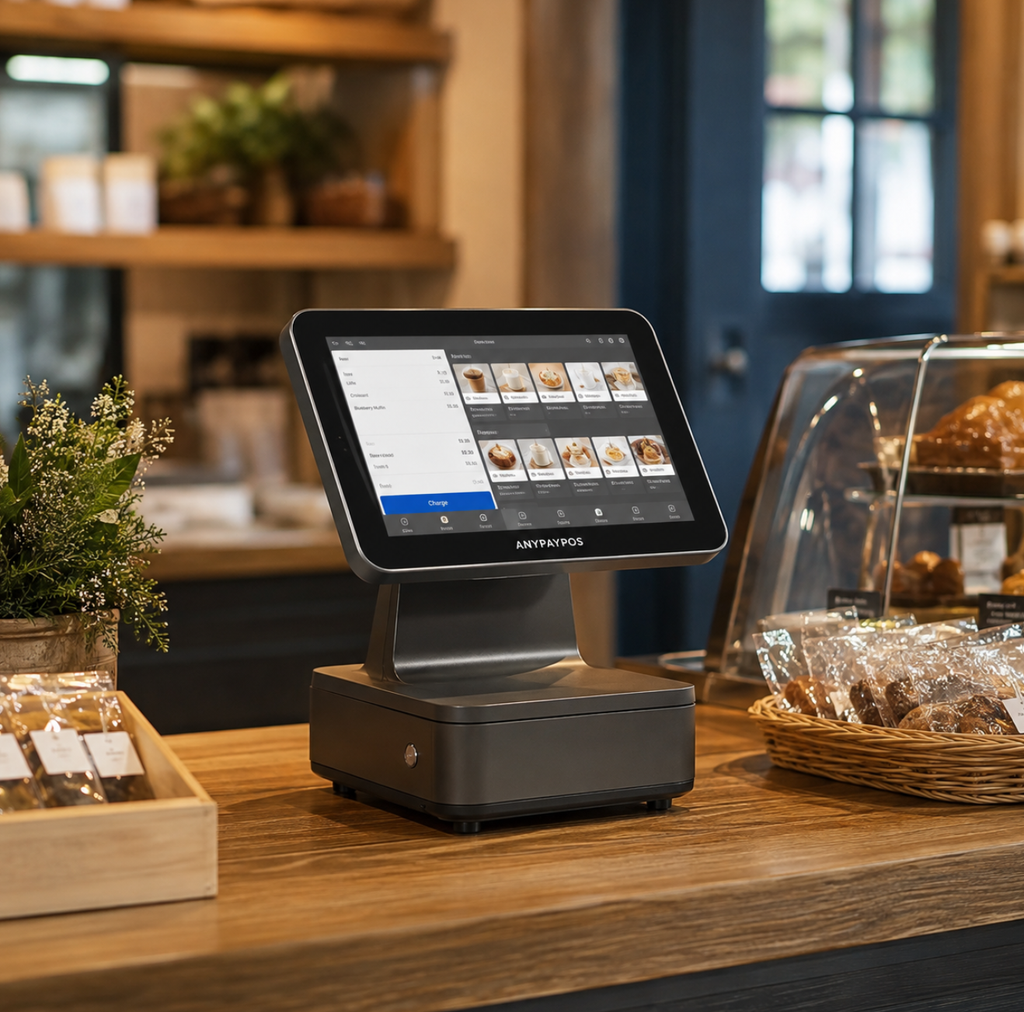
A touch screen POS system for small business applications should balance affordability, reliability, usability and future expansion.
The best solution is not always the cheapest device but the hardware platform that supports daily operation and long-term business development.
With the right POS terminal and supplier support, small businesses can create a more efficient and professional checkout experience.
Learn about flexible seasonal checkout touch screen pos with practical guidance on hardware selection, integration and deployment for retail and hospitality.
View details
Learn about all-in-one POS system with practical guidance on hardware selection, integration and deployment for retail and hospitality projects from ANYPAYPOS.
View details
Learn how to test receipt printers, barcode scanners, cash drawers and customer displays before deploying a retail POS system.
View details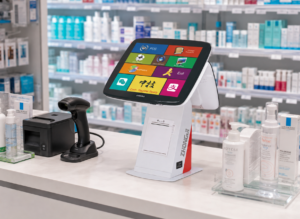
Plan reliable high-traffic retail checkout lanes with the ANYPAYPOS A4 touchscreen POS terminal, designed for efficient deployment and daily operation.
View details