 anypaypos








SEARCH WHAT YOU WANT
Search allProductNews
SEARCH
Retail checkout counters frequently contain several separate devices. A typical station may include a monitor, computer, barcode scanner, receipt printer, customer display and payment equipment.
An all-in-one POS system aims to organize more of these functions around a coordinated terminal platform. Current POS search results frequently use phrases such as “all-in-one POS,” “touch screen cash register” and “retail POS system,” reflecting how buyers search for integrated hardware.
ANYPAYPOS currently lists the Touch Screen POS A7 Classic among its core touch-screen POS products.
A checkout counter is a working area.
Employees need enough room to:
When too many independent devices occupy the counter, cables and equipment can interfere with these tasks.
A more integrated POS arrangement can reduce visual clutter and make the workstation easier to reproduce across multiple stores.
A common mistake is assuming that every available module should be integrated.
Retailers should first determine which functions are used during nearly every transaction.
For example, a barcode scanner and receipt printer may be essential for one project. Another retailer may use a separate payment terminal because it is provided by a local payment company.
The objective should be to create the simplest hardware configuration that supports the required workflow.
Integrated systems should still remain practical to maintain.
Printer paper needs to be replaced. Scanners may need cleaning. Cables may occasionally require inspection.
The retailer should make sure frequently serviced components can be accessed without dismantling the complete checkout station.
For chain projects, the approved hardware configuration and peripheral arrangement can be documented so that each new store follows the same layout.
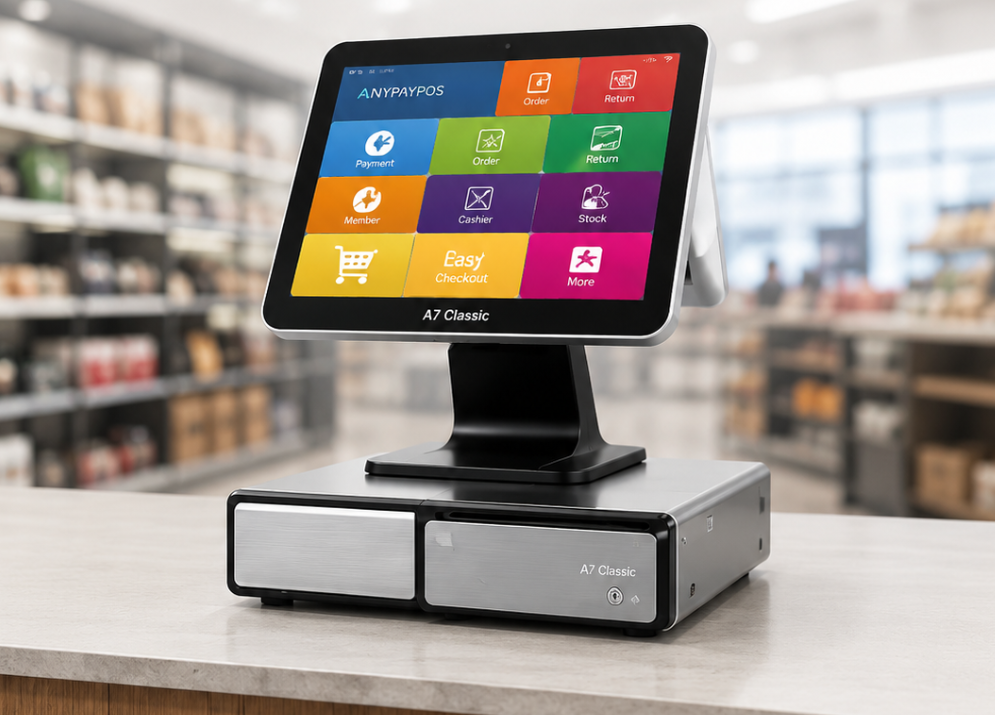
An all-in-one POS system can help retailers create a more organized checkout counter, but successful integration starts with understanding the workflow.
The best configuration is usually the one that reduces unnecessary equipment while keeping essential hardware easy to operate and maintain.
Learn about touchscreen POS manufacturer with practical guidance on hardware selection, integration and deployment for retail and hospitality projects from.
View details
Discover how small businesses can select a touchscreen POS system with the right hardware, software compatibility and expansion options.
View details
Learn about flexible seasonal checkout touch screen pos with practical guidance on hardware selection, integration and deployment for retail and hospitality.
View details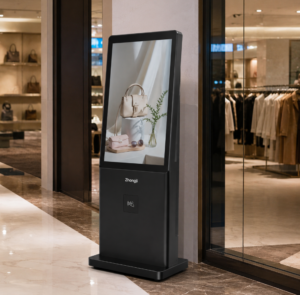
Learn how an interactive digital signage kiosk can support promotions, product information, wayfinding and customer engagement in retail spaces.
View details