 anypaypos








SEARCH WHAT YOU WANT
Search allProductNews
SEARCH
Restaurants now have several ways to take customer orders.
A traditional restaurant POS terminal places an employee between the customer and the ordering system. A self-ordering kiosk allows customers to navigate the menu themselves.
Self-ordering kiosk is now a common search and product category across restaurant hardware providers.
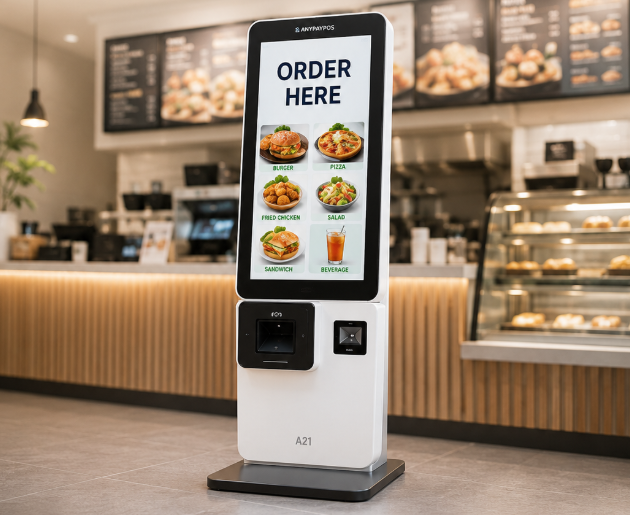
ANYPAYPOS lists the Restaurant Self Service Kiosk A21 alongside its commercial touch-screen POS products.
A staffed POS terminal can be suitable when:
Employees enter the order and manage exceptions directly.
A kiosk can provide an additional ordering channel.
Customers interact directly with the menu interface, select products and proceed through the configured order process.
This may be useful in:
The restaurant still needs employees available for order exceptions and customer assistance.
Many restaurants do not need to completely replace the cashier counter.
A hybrid layout may include one staffed terminal and several self-ordering stations.
This gives customers a choice while allowing employees to support more complex transactions.
The software should keep menus, product availability and pricing synchronized across both channels.
Restaurant POS terminals and self-ordering kiosks support different customer journeys.
The correct setup should be based on restaurant format, menu complexity, available space and peak-hour traffic rather than automation alone.
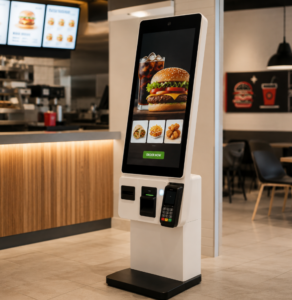
Compare staffed POS terminals and self-ordering kiosks when planning fast food restaurant ordering, payment and kitchen workflows.
View details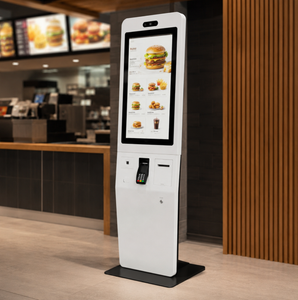
Discover restaurant POS hardware solutions designed for multi-location restaurants, cafés and fast-growing food chains.
View details
Learn about designing restaurant self ordering a21 kiosk with practical guidance on hardware selection, integration and deployment for restaurants and.
View details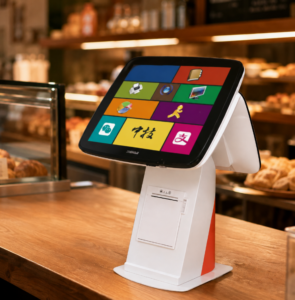
Learn when a POS terminal with a built-in receipt printer can save counter space and simplify installation for retail and restaurant projects.
View details