 anypaypos








SEARCH WHAT YOU WANT
Search allProductNews
SEARCH
For retail software companies and system integrators, purchasing self-checkout hardware involves more than choosing a touchscreen enclosure.
The kiosk must work with the buyer’s software, scanners, payment equipment, receipt printers and installation environment.
ANYPAYPOS currently lists multiple self-service products including A12, A12K, A12KT, A12S and A21.
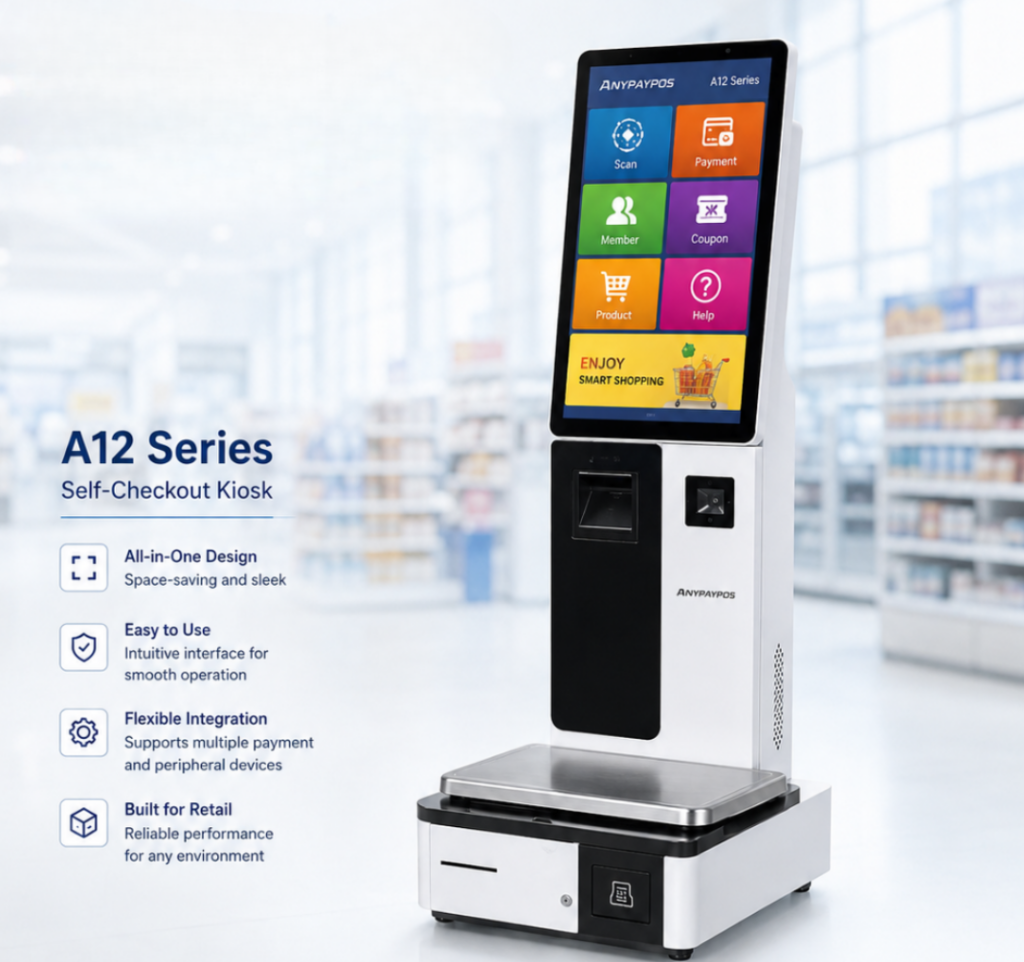
The first question should be whether the kiosk can support the intended software environment.
The buyer should provide the manufacturer with information about:
A sample should then be tested with the actual software.
Self-service kiosks may operate for long periods in public areas.
Buyers should evaluate:
The design should allow staff to maintain the machine without disrupting the complete installation.
OEM buyers may need:
These requirements should be documented before production.
For more complex ODM projects, buyers should confirm whether structural modifications and prototype development are available.
The best time to identify kiosk problems is during pilot testing.
A pilot site allows the retailer to evaluate customer flow, scanner positioning, payment operation and employee support.
Only after the complete process has been confirmed should the same configuration be rolled out to more locations.
Choosing a self-checkout kiosk manufacturer should focus on integration and repeatability.
The ideal supplier is one that can support the complete journey from hardware configuration and sample validation to production and long-term deployment.
Learn about larger basket retail checkout self checkout with practical guidance on hardware selection, integration and deployment for retail and hospitality.
View details
Learn how to test receipt printers, barcode scanners, cash drawers and customer displays before deploying a retail POS system.
View details
Learn about flexible weighing stations moveable platform pos with practical guidance on hardware selection, integration and deployment for supermarkets and.
View details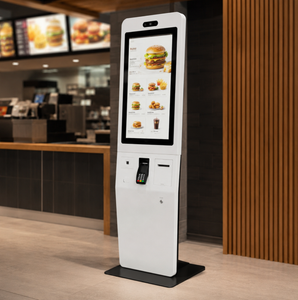
Discover restaurant POS hardware solutions designed for multi-location restaurants, cafés and fast-growing food chains.
View details