 anypaypos









お探しのものを検索
すべてを検索製品ニュース
検索
Self-service terminals can be installed in many different environments, but the same layout does not work for every project. A restaurant ordering point, retail information station and public-service terminal may require different screen positions, peripheral modules and installation methods.
The Smart Kiosk Terminal A12 Series provides a platform for self-service applications. Before selecting a configuration, buyers should first define what customers need to accomplish at the machine.
A kiosk should guide customers through a specific task. This may include product lookup, order entry, checkout, information access or service registration.
The software interface should show a clear starting point. Customers need to understand what the terminal does without asking an employee for instructions.
Each step should follow a logical sequence. Buttons need to be readable, and confirmation screens should clearly explain what will happen next.
Businesses should avoid placing too many unrelated services on the same starting screen. A focused kiosk is usually easier for customers to understand.
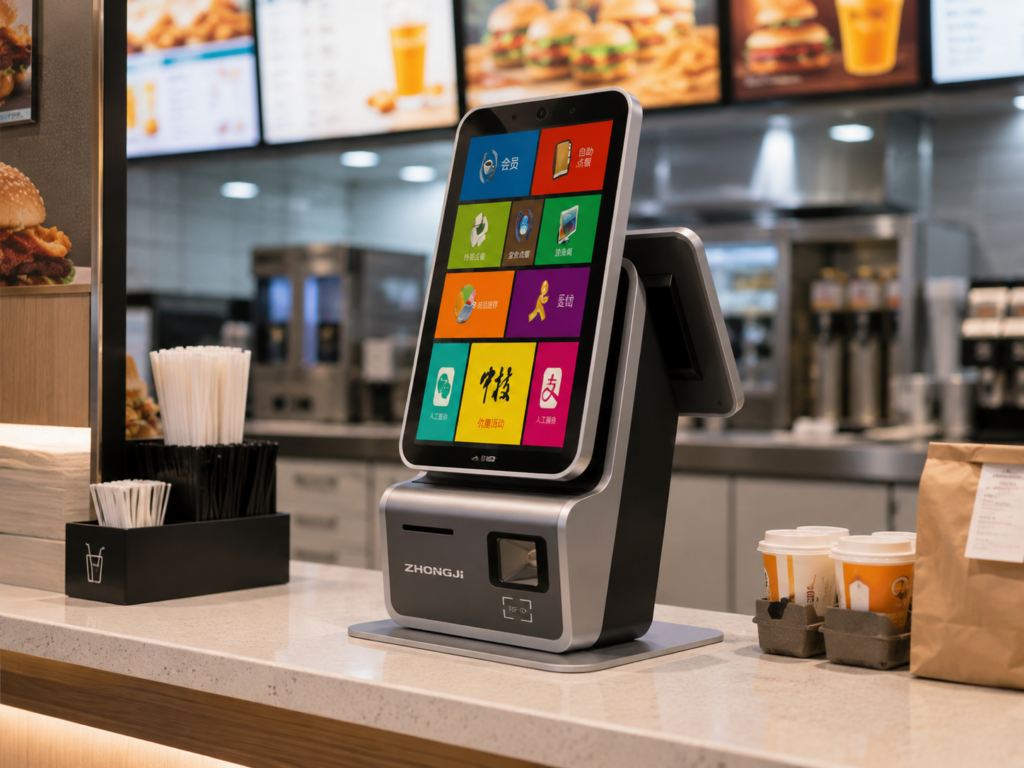
The installation method should match both the available space and the intended user interaction.
A desktop kiosk can be placed on an existing counter and may be suitable for smaller locations. A wall-mounted installation can reduce floor occupation, but the wall structure, viewing height and maintenance access need to be evaluated.
A floor-standing terminal can be positioned in an open area and may offer greater flexibility. However, it should not block entrances, queues or emergency routes.
Regardless of format, power and network connections should be protected. The terminal should also remain accessible for cleaning, printer-paper replacement and technical inspection.
A kiosk project may require receipt printing, scanning, payment equipment, card reading or camera functions. The correct module combination depends on the intended workflow.
For example, an information terminal may not need a payment device. A restaurant ordering kiosk may require receipt printing and payment integration. A retail pickup station may need a scanner to identify an order.
Each module should be tested with the actual software. Payment equipment should be integrated according to the local payment provider and applicable requirements.
A sample installation can help the buyer confirm screen height, customer flow and maintenance access before ordering a larger quantity.
Selecting the Smart Kiosk Terminal A12 Series should begin with the customer task rather than the machine configuration. A clear user journey, suitable installation method and carefully selected modules can create a self-service point that customers understand and employees can maintain.
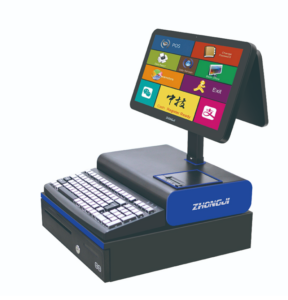
Learn about smart checkout hardware convenience store chains with practical guidance on hardware selection, integration and deployment for convenience-store.
詳細を見る
POSハードウェアを輸入する前に、海外のバイヤーが電源、ソフトウェア、言語、周辺機器、および認証について確認すべき事項について学びましょう。.
詳細を見る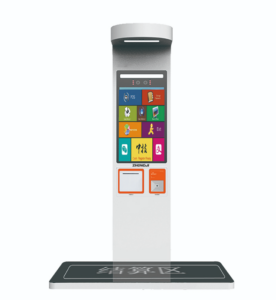
レストラン向けのセルフオーダー用「a21」キオスクの設計について、ハードウェアの選定、システム統合、導入に関する実践的なガイダンスと共に学びましょう。.
詳細を見る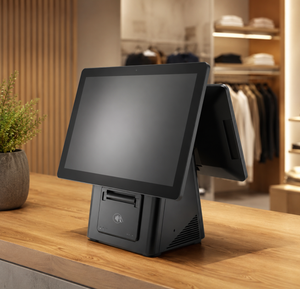
Learn how modern POS hardware connects physical stores, inventory systems and digital retail channels.
詳細を見る