 anypaypos









お探しのものを検索
すべてを検索製品ニュース
検索
Installing a self-ordering kiosk does not automatically create a better restaurant experience. Customers still need to understand where to begin, how to select products, how to modify an order and what happens after payment.
The Restaurant Self Service Kiosk A21 supports self-service ordering, checkout, payment and receipt printing for restaurant and retail scenarios.
A restaurant menu designed for staff operation may not work well on a customer-facing kiosk. Customers need a clear starting point and an understandable sequence.
The interface can begin with major categories such as meals, drinks, snacks and desserts. Product photographs should accurately represent the available item. Important choices, including size, flavor and optional additions, should appear before the customer proceeds to payment.
The number of steps should be controlled. Excessive pop-up windows or repeated confirmation screens can slow the process. At the same time, the system should clearly show the selected products, quantities and total amount before the order is submitted.
For restaurants serving international customers, language selection can be placed near the beginning of the journey. The actual languages available depend on the software rather than the hardware alone.
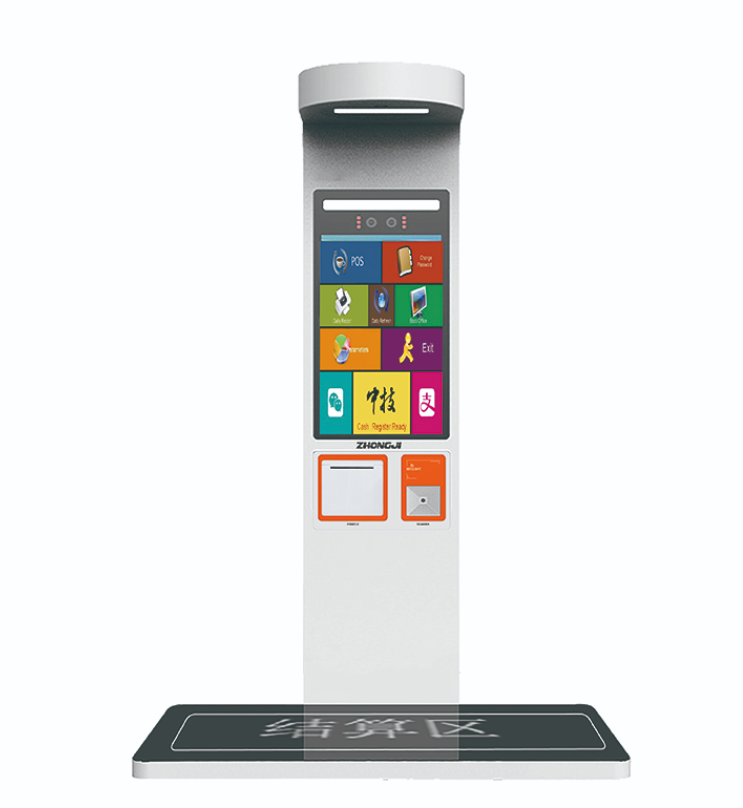
The A21 should be planned as part of the restaurant system. Once an order is submitted, the information may need to reach the kitchen display, receipt printer, order-management platform or pickup screen.
Restaurants should test the complete flow:
The customer selects the meal, confirms the order, completes the approved payment process, receives an order number and waits at the correct pickup point.
If any part of this chain is unclear, employees may need to manually correct orders, reducing the value of self-service.
Exception handling is also important. The restaurant should define what happens when a payment does not complete, an item becomes unavailable or the receipt printer runs out of paper.
The kiosk should be visible when customers enter, but it should not block the entrance. Enough space should be provided for customers to stand and make selections without interfering with other queues.
Restaurants may place menu displays above or beside the kiosk to help customers prepare before reaching the screen. Employees should also remain available to assist first-time users.
During busy periods, multiple kiosks may be placed in one ordering zone. Their position should guide customers naturally toward the pickup area after the transaction is completed.
The A21 becomes more valuable when the customer journey is designed before the hardware is installed. A clear menu structure, connected kitchen workflow, suitable store position and reliable exception-handling process can turn the kiosk into a practical ordering channel rather than an isolated screen.
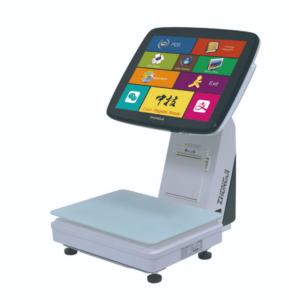
TS7 AI POSスケールが、スーパーマーケットや生鮮食品小売店向けに、計量機能、商品認識支援機能、およびレジ決済機能をどのように統合しているかをご覧ください。.
詳細を見る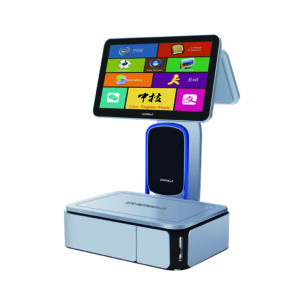
小売業のバイヤーは、店舗のさまざまなエリアに応じて、POS用はかり、ラベル用はかり、キオスク端末のいずれかを選択する必要があることがよくあります。適切な小売用ハードウェアを選ぶには、まず、各端末が対応すべきレジ業務や顧客の流れを把握することから始めます。製品を比較検討するバイヤーにとっては….
詳細を見る
シンガポール、2024年1月 — 2024年シンガポールNRF(全米小売業協会)エキスポにおいて、蘇州ピナクルエレクトロニクス株式会社は、最先端のスマートリテールソリューションを披露し、注目を集めました。研究開発、製造を統合したハイテク企業として...
詳細を見る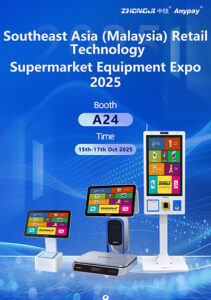
Kuala Lumpur, 2025—At the 2025 Southeast Asia Retail Technology Supermarket Equipment Expo (Malaysia), Suzhou Pinnacle Electronics Co., Ltd. showcased its desktop cash registers, AI checkout scales, AI labeling scales, self-service kiosks, and a ...
詳細を見る