 anypaypos








SEARCH WHAT YOU WANT
Search allProductNews
SEARCH
Cafés and quick-service restaurants need to process orders quickly while maintaining accurate communication between the front counter and the preparation area. During busy periods, even a small delay in product selection, order confirmation or receipt printing can affect the entire service process.
The Touch Screen POS A3 Series can serve as the front-counter hardware platform for restaurant ordering and checkout software. The effectiveness of the terminal depends on how the menu, peripherals and staff workflow are planned around it.
A restaurant menu should be organized for fast touch-screen operation. Frequently ordered products need to be easy to find, while categories such as drinks, meals, desserts and optional additions should follow a logical structure.
Buttons should be large enough for quick selection, and product names should be clear. If the restaurant offers different sizes, flavors or ingredient options, the software should guide the employee through these choices before the order is submitted.
A clear interface can reduce repeated corrections and help new employees become familiar with the system more quickly.
Restaurants should also plan how unavailable products are handled. When an item sells out, the software should allow authorized employees to update its status so that staff do not continue accepting unavailable orders.
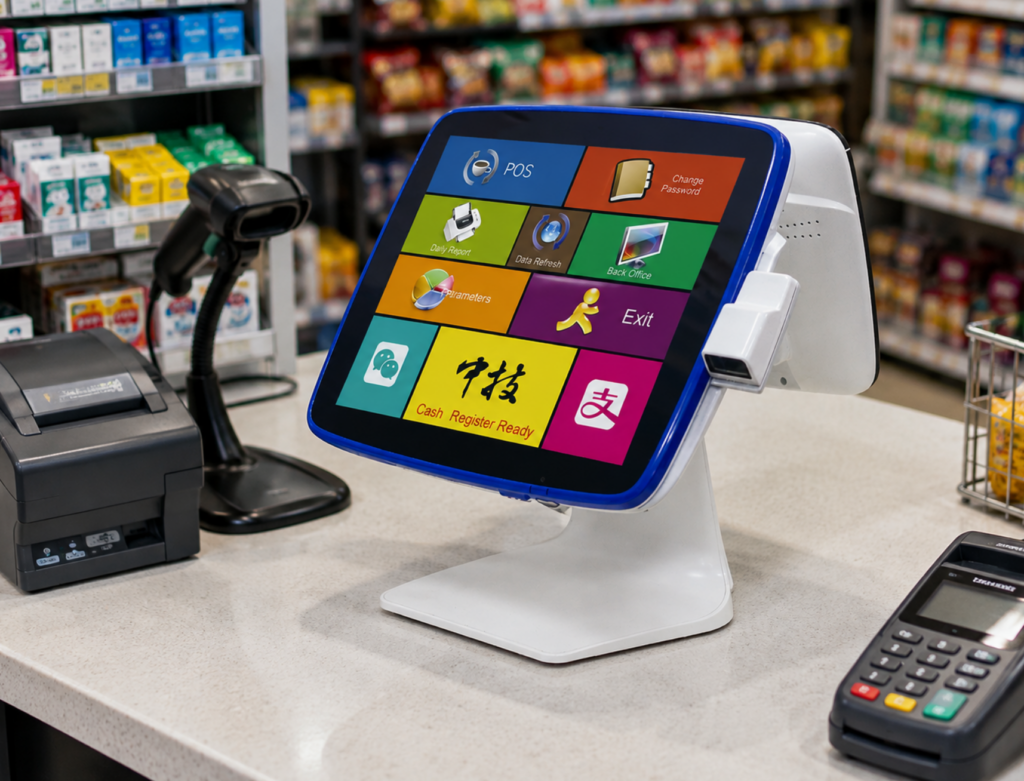
The front POS terminal is only one part of the order process. After an order is confirmed, the information may need to reach a kitchen printer, preparation display or order-management system.
The restaurant should test whether product names, quantities, options and customer notes appear correctly in the preparation area. Special instructions should be visible enough to prevent them from being overlooked.
If the restaurant uses different preparation stations, the software may need to route drinks, hot food and desserts separately.
The A3 terminal, kitchen equipment and restaurant software should therefore be tested as one complete workflow rather than as independent devices.
Busy periods place greater pressure on both employees and equipment. Before opening, staff should check the terminal, printer paper, scanner and network connection.
The counter layout should give employees enough space to accept orders, prepare receipts and direct customers toward the pickup area. Payment equipment should be positioned so customers can use it without blocking the next order.
Restaurants may also create a simplified peak-hour menu or arrange frequently ordered combinations more prominently on the screen.
When several locations use the same menu, an approved software configuration can help ensure that product categories, order buttons and receipt formats remain consistent.
The Touch Screen POS A3 Series can support café and quick-service ordering when the entire process—from menu selection to kitchen handoff—is designed clearly. Fast service depends not only on the terminal, but also on organized software, suitable peripheral placement and well-prepared staff procedures.
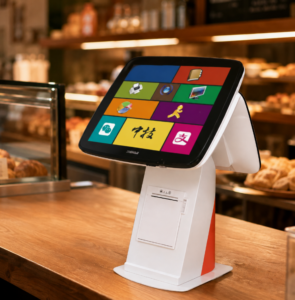
Learn when a POS terminal with a built-in receipt printer can save counter space and simplify installation for retail and restaurant projects.
View details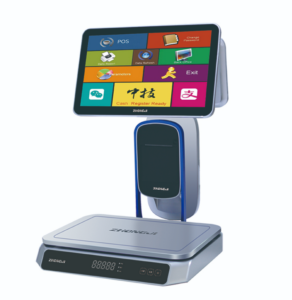
Learn about fresh food checkout hardware TS1 with practical guidance on hardware selection, integration and deployment for supermarkets and fresh-food retail from.
View details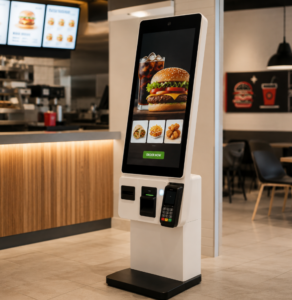
Compare staffed POS terminals and self-ordering kiosks when planning fast food restaurant ordering, payment and kitchen workflows.
View details
Learn about self-service kiosk with practical guidance on hardware selection, integration and deployment for restaurants and quick-service projects from ANYPAYPOS.
View details