 anypaypos








SEARCH WHAT YOU WANT
Search allProductNews
SEARCH
Independent retailers often need a checkout system that is practical, easy to manage and suitable for the available counter space. Unlike large supermarket projects, a small store may operate with only one or two checkout stations. Each terminal therefore plays an important role in daily sales, receipt printing, barcode scanning and customer service.
The Touch Screen POS A2 Series is a commercial POS terminal designed for retail stores, restaurants and chain-store checkout counters. When combined with suitable software and peripherals, it can form the center of an organized checkout station.
Before choosing POS hardware, the retailer should examine how a normal transaction moves through the counter.
In a packaged-goods store, the employee may scan the product, confirm the quantity, apply a discount, complete payment and print a receipt. In a specialty shop, the cashier may also need to search for products, check stock information or manage customer accounts.
The POS terminal should be positioned where the employee can operate the screen without repeatedly turning or reaching across the counter. Frequently used equipment, such as the barcode scanner and receipt printer, should remain within a comfortable operating area.
Cable placement should also be considered. Power, network and peripheral cables should not interfere with products, bags or customer movement. A clean installation can improve both daily operation and the appearance of the checkout counter.
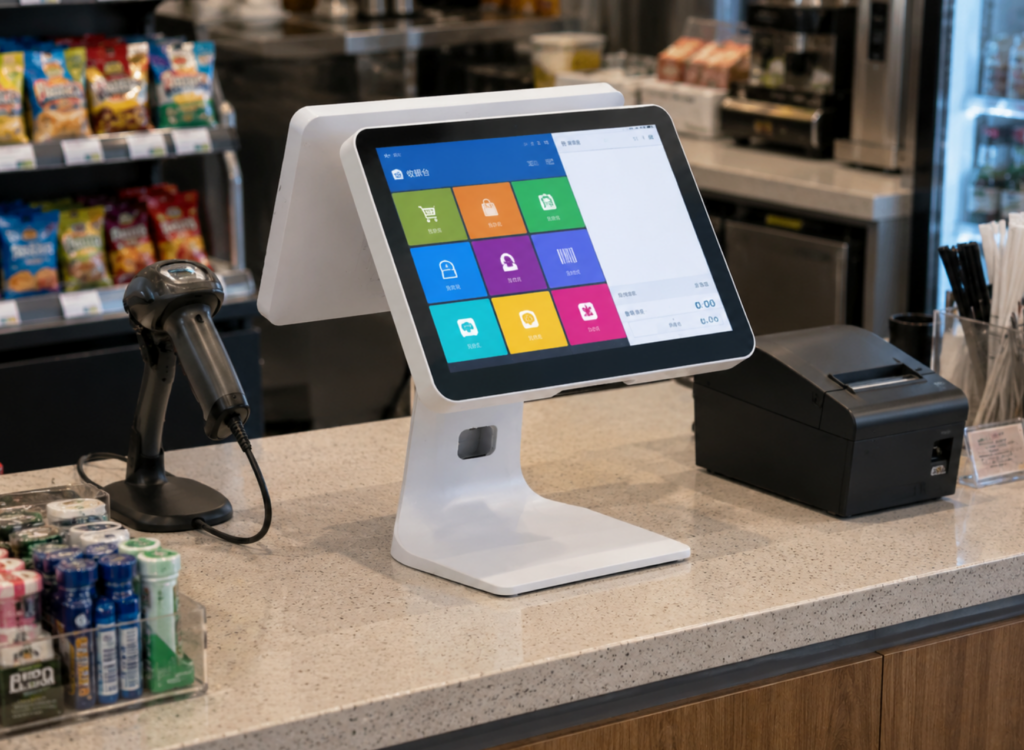
The A2 Series provides the hardware platform, while the actual sales functions are controlled by the retailer’s POS software.
Before deployment, the software provider should confirm the operating-system environment, display requirements, interface needs and peripheral compatibility. The software should be tested with the actual scanner, printer, cash drawer and payment equipment selected for the project.
A sample test should cover more than a successful startup. Retailers should complete full transactions, process discounts, print receipts, cancel items and test network interruptions.
This helps identify compatibility issues before the terminal is used during normal business hours.
Small stores may not have a dedicated technical team. Hardware should therefore be installed in a way that makes basic maintenance straightforward.
Employees need clear instructions for restarting the terminal, checking network connections, replacing receipt paper and reporting technical problems. The retailer should also keep the approved hardware specification and software version on record.
If the business later opens another location, the same A2 configuration can be repeated. Standardizing the terminal, peripherals and software setup can reduce deployment time and simplify employee training.
Additional peripherals should only be added when they support a genuine operating requirement. A simple checkout counter is often easier to use and maintain than a system filled with unnecessary modules.
A reliable checkout counter is created by connecting suitable hardware, compatible software and a clear operating layout. The Touch Screen POS A2 Series can support independent retailers that need a practical platform for daily checkout while leaving room for future business expansion.
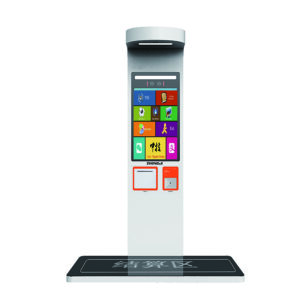
Learn about self-service kiosk with practical guidance on hardware selection, integration and deployment for restaurants and quick-service projects from ANYPAYPOS.
View details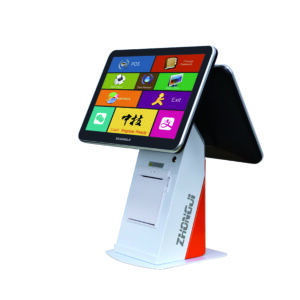
Learn about touchscreen POS terminal with practical guidance on hardware selection, integration and deployment for retail and hospitality projects from ANYPAYPOS.
View details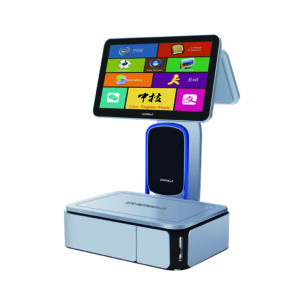
Learn about AI label scale with practical guidance on hardware selection, integration and deployment for supermarkets and fresh-food retail from ANYPAYPOS.
View details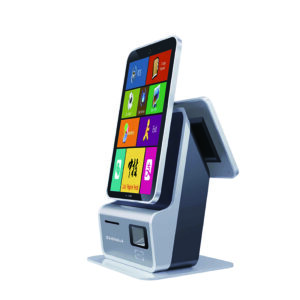
Learn about smart retail checkout system trends global with practical guidance on hardware selection, integration and deployment for retail and hospitality.
View details