 anypaypos








SEARCH WHAT YOU WANT
Search allProductNews
SEARCH
Portable and compact POS terminals give retailers more flexibility at the checkout counter.
A portable POS terminal is valuable for retailers that need barcode scanning payment support and receipt printing in one device. For buyers comparing checkout hardware the starting point is a reliable smart POS system that connects sales payment weighing printing and store data in one workflow.
The first product focus is Touch Screen POS A20 Series. Portable touch screen POS for retail checkout with barcode scanning, NFC payment support and built-in receipt printing. This makes it useful for stores that need stable hardware clear operator screens and fast transaction handling.
The second product focus is Touch Screen POS A13 Series. Touch Screen POS-A13 Series is a commercial touch screen POS terminal for retail stores, restaurants and chain checkout counters. Together these products help retailers cover different checkout positions without changing the whole store workflow.
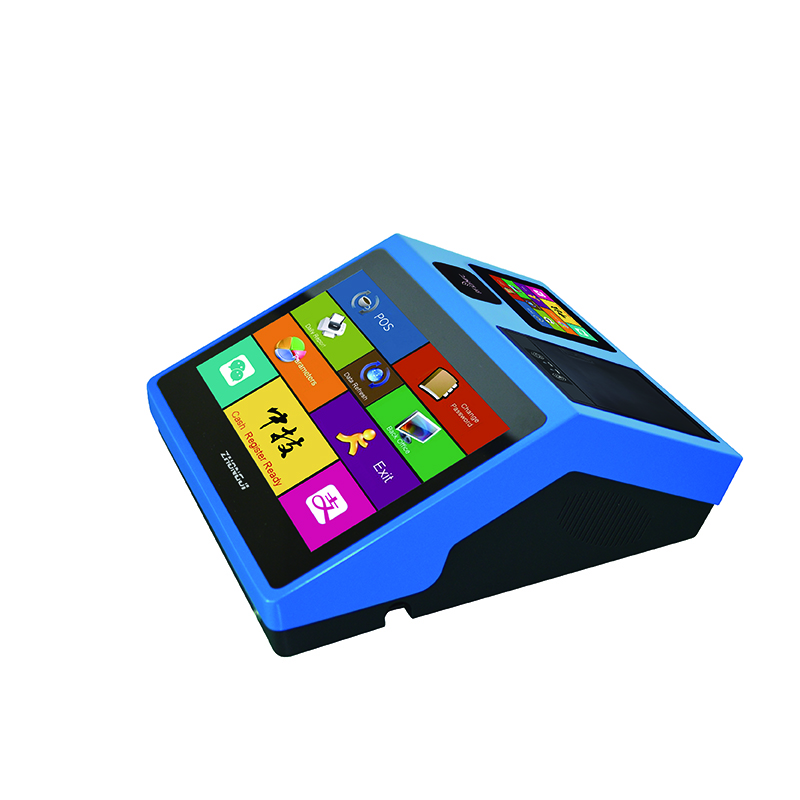
ANYPAYPOS product lines include touch screen POS AI POS scale AI label scale and self checkout kiosk options. These internal product groups give buyers a clear path from counter checkout to weighing checkout and self service ordering.
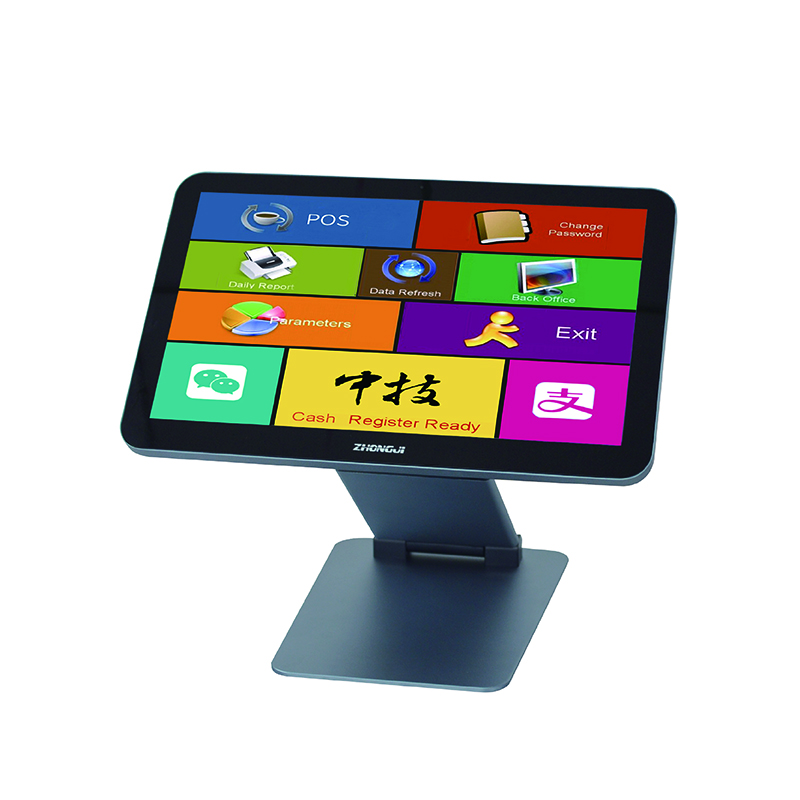
A strong checkout setup reduces waiting time improves item identification supports receipt printing and keeps store teams focused on service. Retailers can choose one device type for a simple counter or combine POS terminals POS scales and kiosks for a larger store format.
For supermarkets convenience stores bakeries restaurants and specialty retailers the best hardware plan is the one that matches traffic volume counter space product type and payment habits. Explore the full ANYPAYPOS product center for more product details and related models.
Stores that handle frequent checkout weighing labeling or self service ordering can benefit from smart POS hardware because it connects front counter tasks with store operation data.
Retailers should compare counter space product categories payment methods expected traffic and whether the store needs weighing labeling or self service checkout.
Compare Android and Windows POS terminals for retail software, peripherals, deployment and long-term hardware planning.
View details
Compare traditional POS terminals and self-checkout kiosks to determine which checkout model fits different retail formats and transaction types.
View details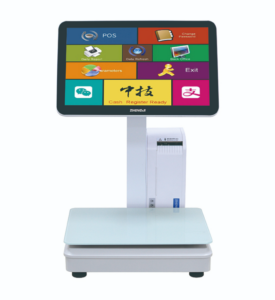
Learn about AI label scale LS10 with practical guidance on hardware selection, integration and deployment for supermarkets and fresh-food retail from ANYPAYPOS.
View details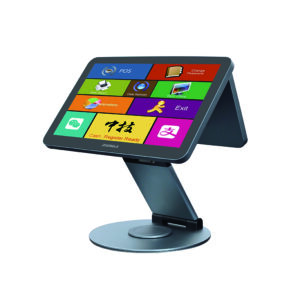
Learn about touchscreen POS terminal with practical guidance on hardware selection, integration and deployment for retail and hospitality projects from ANYPAYPOS.
View details