 anypaypos









お探しのものを検索
すべてを検索製品ニュース
検索
Retail checkout counters often contain several separate devices: a computer, touchscreen, receipt printer, barcode scanner, customer display and payment terminal. Although this modular layout can be flexible, it also occupies more space and creates additional cables.
The ANYPAYPOS A9 is positioned as a flagship touch-screen POS terminal for retail stores, restaurants and chain-store checkout counters.
The A9 product concept focuses on combining core checkout functions in a coordinated structure. Depending on the selected project configuration, printing, scanning, camera or recognition functions can be integrated around the main touchscreen terminal.
An integrated layout can make the checkout counter look more organized and reduce the need to position several independent devices. It can also simplify installation when the same configuration is deployed across multiple stores.
However, buyers should determine which modules genuinely need to be integrated. A payment terminal may still need to follow local provider requirements, while some customers may prefer an external scanner or printer for easier replacement.
The A9 can be considered for:
The terminal’s suitability depends on the software, peripheral configuration and daily transaction process.
For restaurants, the screen can provide access to menus, table information and order management. In retail, it can support product search, barcode checkout, receipt printing and customer-facing transaction information.
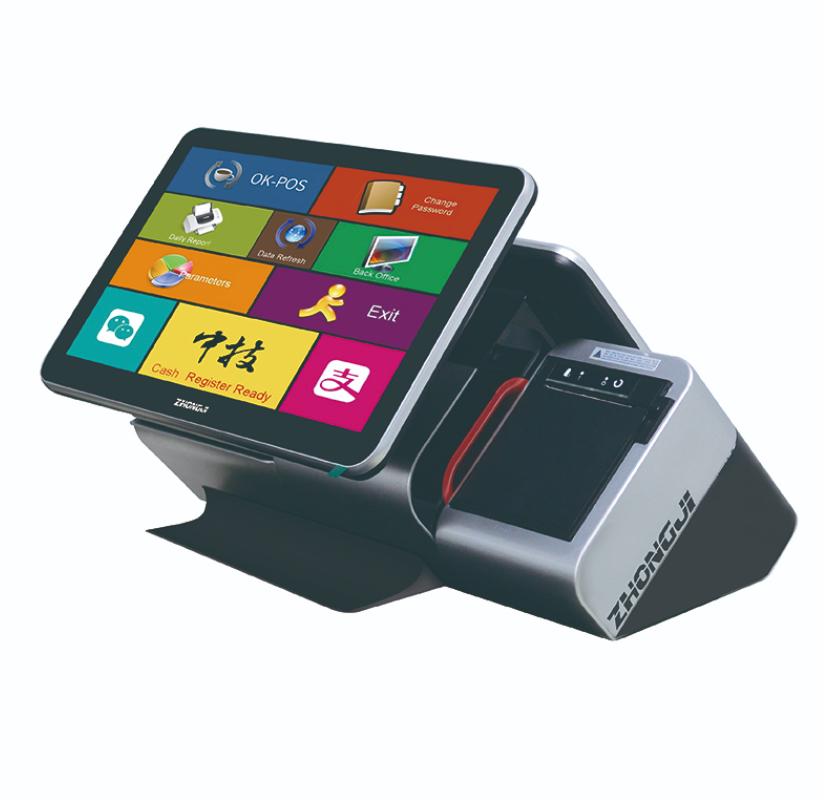
Before ordering, buyers should confirm the operating system, processor platform, memory, storage, screen arrangement and required ports.
The software company should test its application together with the printer, scanner, customer display and other selected modules. Screen resolution and touch-interface layout also need to be checked.
For international orders, language, keyboard layout, power plug, packaging and required certifications should be confirmed during the project stage.
When the A9 is used in a chain rollout, an approved sample should become the reference for later production batches.
結論: The A9 is suitable for projects that want to combine a touch-screen POS terminal with selected checkout modules in a more integrated counter design. Final configuration should be based on the software workflow and local deployment requirements.
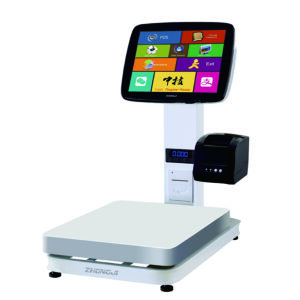
スーパーマーケットのPOSスケールワークフローは、生鮮食品売り場において、計量、商品認識、価格設定、および精算を連携させます。POSスケールワークフローは、店舗が青果、ベーカリー商品、デリ商品、その他の重量商品を取り扱う際に重要です。購入者が価格を比較する際には…….
詳細を見る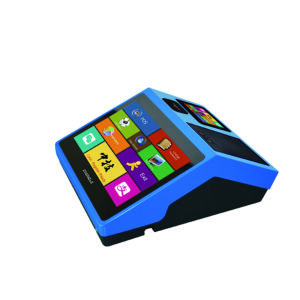
持ち運び可能でコンパクトなPOS端末は、小売業者にレジでの業務においてより高い柔軟性をもたらします。1台の端末でバーコードスキャンによる決済機能とレシート印刷機能の両方が必要な小売業者にとって、ポータブルPOS端末は大変有用です。チェックオ...を比較検討している購入者にとっては...
詳細を見る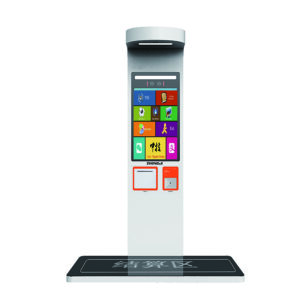
飲食店では、セルフサービスキオスクを導入することで、注文にかかる時間を短縮し、サービスカウンターの混雑を緩和することができます。飲食店のセルフサービスキオスクを利用すれば、顧客はメニューを直接閲覧し、注文を行い、支払いを完了することができます。チェックオを比較する購入者にとっては...
詳細を見る
セルフサービス型広告キオスクは、現代の小売空間におけるプロモーションの注文や決済の体験を支援することができます。セルフサービス型広告キオスクは、情報を表示し、顧客の行動をサポートできるデジタルな接点を店舗に提供します。例えば...
詳細を見る