 anypaypos









SUCHE, WAS DU MÖCHTEST
Alle durchsuchenProduktNachrichten
SUCHE
Retail checkout counters often contain several separate devices: a computer, touchscreen, receipt printer, barcode scanner, customer display and payment terminal. Although this modular layout can be flexible, it also occupies more space and creates additional cables.
The ANYPAYPOS A9 is positioned as a flagship touch-screen POS terminal for retail stores, restaurants and chain-store checkout counters.
The A9 product concept focuses on combining core checkout functions in a coordinated structure. Depending on the selected project configuration, printing, scanning, camera or recognition functions can be integrated around the main touchscreen terminal.
An integrated layout can make the checkout counter look more organized and reduce the need to position several independent devices. It can also simplify installation when the same configuration is deployed across multiple stores.
However, buyers should determine which modules genuinely need to be integrated. A payment terminal may still need to follow local provider requirements, while some customers may prefer an external scanner or printer for easier replacement.
The A9 can be considered for:
The terminal’s suitability depends on the software, peripheral configuration and daily transaction process.
For restaurants, the screen can provide access to menus, table information and order management. In retail, it can support product search, barcode checkout, receipt printing and customer-facing transaction information.
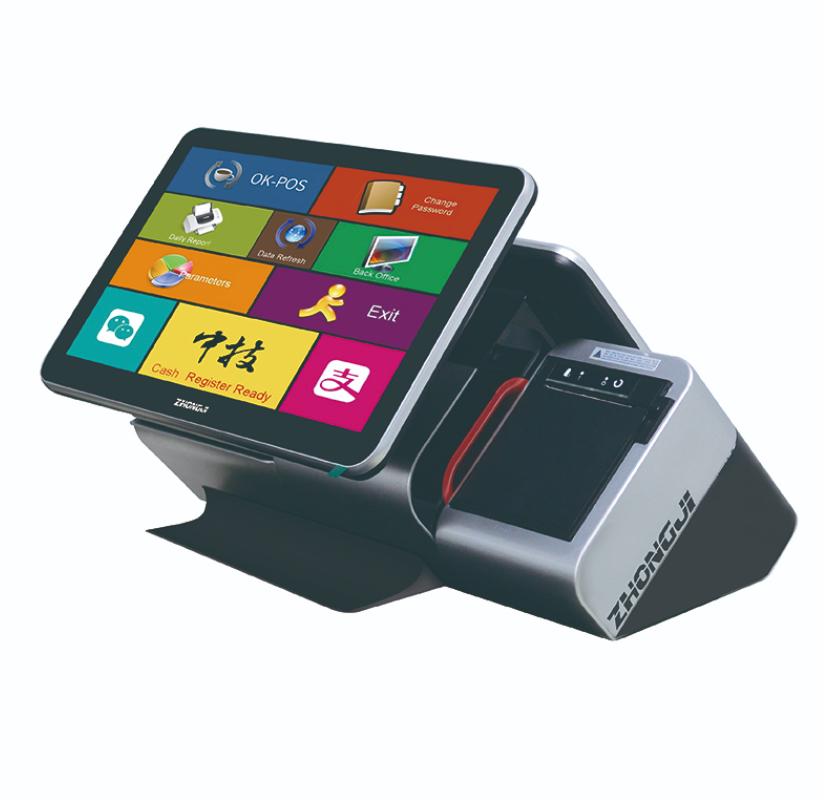
Before ordering, buyers should confirm the operating system, processor platform, memory, storage, screen arrangement and required ports.
The software company should test its application together with the printer, scanner, customer display and other selected modules. Screen resolution and touch-interface layout also need to be checked.
For international orders, language, keyboard layout, power plug, packaging and required certifications should be confirmed during the project stage.
When the A9 is used in a chain rollout, an approved sample should become the reference for later production batches.
Fazit: The A9 is suitable for projects that want to combine a touch-screen POS terminal with selected checkout modules in a more integrated counter design. Final configuration should be based on the software workflow and local deployment requirements.
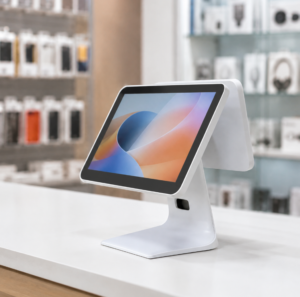
Vergleichen Sie Android- und Windows-Kassenterminals hinsichtlich Einzelhandelssoftware, Peripheriegeräten, der Bereitstellung und der langfristigen Hardwareplanung.
Details anzeigen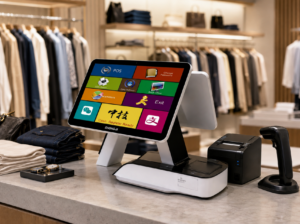
Learn about touchscreen POS terminal A6 with practical guidance on hardware selection, integration and deployment for retail and hospitality projects from ANYPAYPOS.
Details anzeigen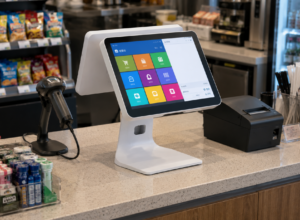
Erfahren Sie mehr über das Touchscreen-Kassenterminal A2 mit praktischen Hinweisen zur Hardwareauswahl, Integration und Inbetriebnahme für Projekte im Einzelhandel und im Gastgewerbe von ANYPAYPOS.
Details anzeigen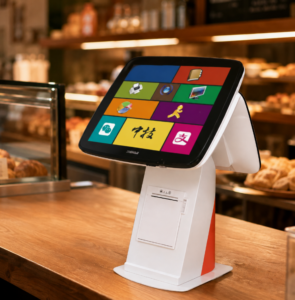
Erfahren Sie, wann ein Kassenterminal mit integriertem Belegdrucker Platz am Tresen sparen und die Installation bei Projekten im Einzelhandel und in der Gastronomie vereinfachen kann.
Details anzeigen