 anypaypos








SEARCH WHAT YOU WANT
Search allProductNews
SEARCH
A modern checkout counter often contains several connected devices. Barcode scanners capture product information, printers produce receipts, cash drawers manage cash transactions, and customer-facing equipment communicates transaction details.
The Touch Screen POS A8 Series can serve as the central hardware platform in this type of multi-peripheral environment. Reliable operation requires careful planning of interfaces, drivers, power and physical device placement.
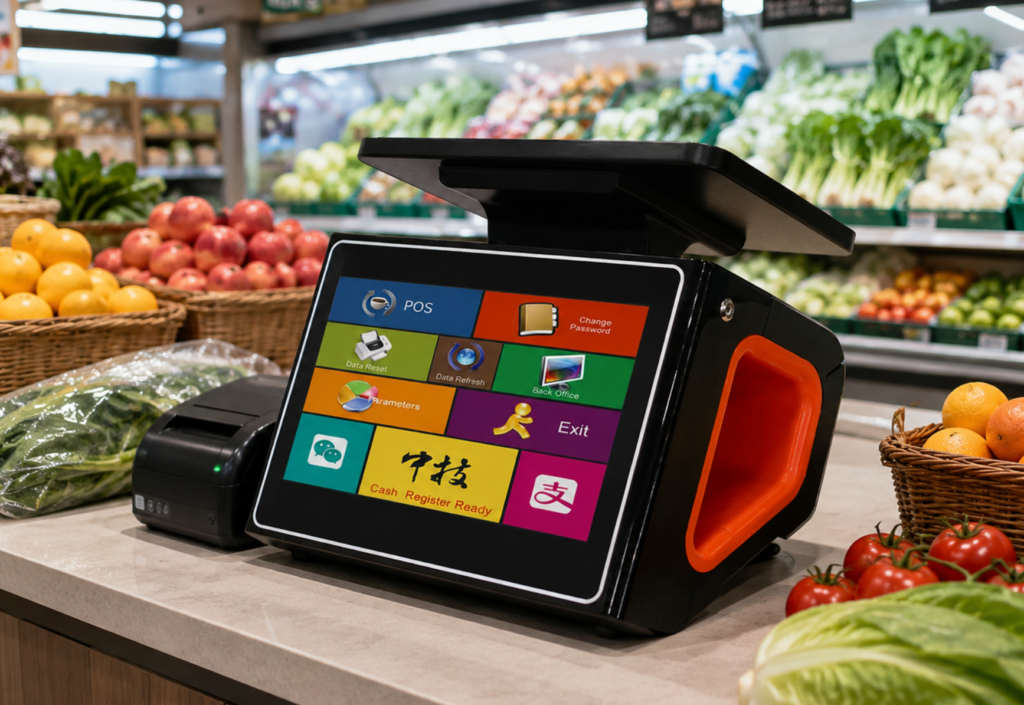
Before choosing the terminal configuration, buyers should create a complete list of connected equipment.
A typical retail checkout station may include:
Each device may use a different communication interface or driver. Buyers should not assume that a peripheral will work simply because the terminal has a matching physical port.
The software provider and hardware supplier should confirm compatibility before mass deployment.
Compatibility testing should reproduce the actual checkout workflow. The test should include barcode scanning, product search, payment, receipt printing and cash-drawer operation.
It should also cover exception situations. What happens when the printer has no paper? How does the software respond if the scanner is disconnected? Can the cashier continue a transaction when the customer display is unavailable?
Clear software messages and recovery procedures are important because store employees may not have technical training.
Longer operating tests can also help identify connection or driver issues that may not appear during a short demonstration.
A multi-peripheral station can quickly become difficult to manage if devices and cables are installed without a clear plan.
Equipment that requires frequent maintenance, such as receipt printers, should remain accessible. Cables should be labeled where helpful, particularly in chain-store projects where technicians may work on many similar stations.
Retailers should document the approved peripheral models and software drivers. Replacing one device with an untested alternative may create compatibility problems later.
Spare scanners, printers or cables can be prepared for locations where checkout interruptions would have a significant effect on business.
The value of the Touch Screen POS A8 Series in a multi-peripheral environment depends on system-level planning. By confirming interfaces, testing complete transactions and organizing equipment for maintenance, retailers can create a checkout station that is easier for both employees and technical teams to manage.
Learn about all-in-one POS system A9 with practical guidance on hardware selection, integration and deployment for retail and hospitality projects from ANYPAYPOS.
View details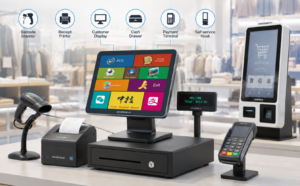
Learn about POS peripheral ecosystem with practical guidance on hardware selection, integration and deployment for retail and hospitality projects from ANYPAYPOS.
View details
Learn when a POS terminal with a built-in receipt printer can save counter space and simplify installation for retail and restaurant projects.
View details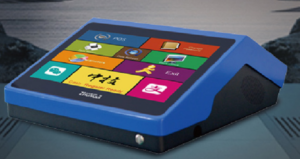
Learn about POS software compatible hardware with practical guidance on hardware selection, integration and deployment for retail and hospitality projects from.
View details