 anypaypos









搜索您想要的内容
搜索全部产品新闻
搜索
Pharmacy and specialty retail counters often process a wide range of packaged products within a relatively small service area. Employees may need to scan products, search for an item, print receipts and access store software while continuing to communicate with customers.
The Touch Screen POS A5 Series is part of the ANYPAYPOS commercial touch-screen POS range for retail, restaurant and chain-store checkout applications. The company’s application materials also include pharmacy and specialty retail environments among the broader industries served by its POS solutions.
A pharmacy counter may already contain displays, packaging materials, scanners and payment equipment. The POS terminal should be positioned so that the screen is visible to the employee without blocking communication with the customer.
Frequently used peripherals should remain within easy reach. Cables should not cross the work surface or interfere with product handling.
The store should decide whether receipt printing is integrated into the selected configuration or provided through an external device. External equipment can offer replacement flexibility, while integrated equipment may reduce counter clutter.
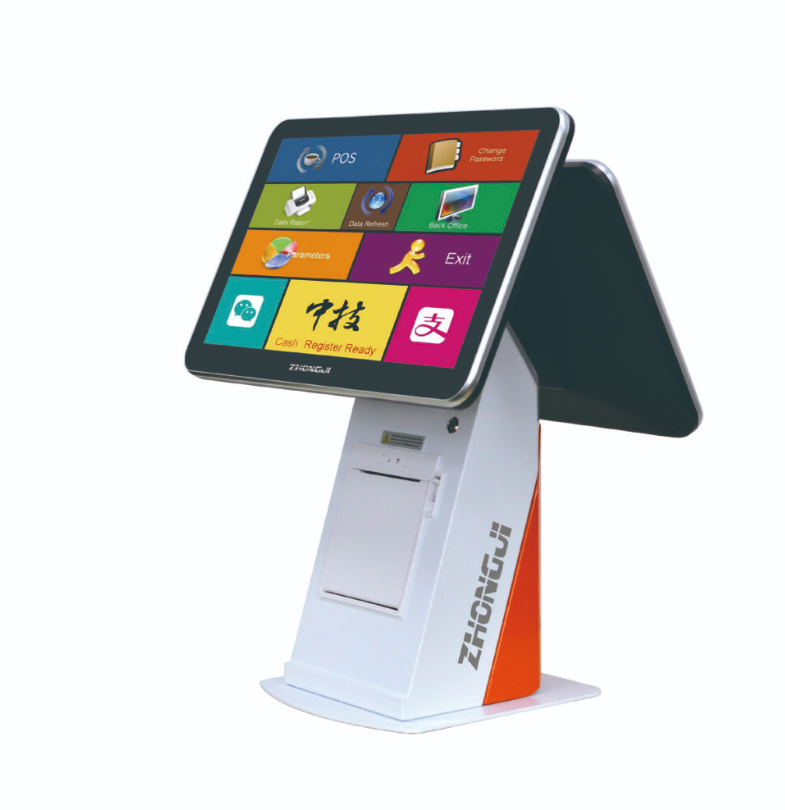
Pharmacy and specialty retail workflows depend heavily on the software system. Product databases, inventory information, pricing and customer records are normally managed by the retailer’s application.
The A5 hardware should therefore be tested with the actual software, scanner and receipt printer before deployment. The software provider should confirm the operating system, driver requirements and supported interfaces.
Where customer or account information is displayed, access controls and screen positioning should follow the retailer’s privacy and security procedures.
A POS terminal does not itself provide pharmacy compliance or medical functionality. Those requirements depend on the approved software, local regulations and operating processes.
Employees should receive a simple procedure for startup, login, barcode exceptions, receipt-paper replacement and shutdown. Clear instructions can reduce unnecessary technical support calls.
The retailer should also prepare a maintenance plan. Screens and external surfaces can be cleaned regularly using suitable methods, while cables and connected peripherals should be checked for looseness or damage.
For chain projects, an approved A5 configuration can be documented and repeated across locations, reducing differences in employee operation.
The A5 Series can serve as the hardware center of a pharmacy or specialty retail checkout counter when it is matched with the correct software and peripherals. Counter organization, privacy procedures and system compatibility remain more important than adding unnecessary hardware functions.
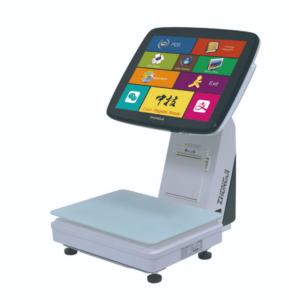
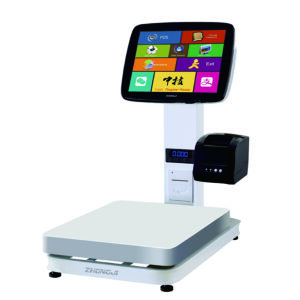
超市POS秤的工作流程将生鲜食品区的称重、商品识别、定价和结账环节有机地结合在一起。当商店销售生鲜、烘焙食品、熟食或其他按重量计价的商品时,POS秤的工作流程至关重要。对于需要比较价格的顾客…….
查看详情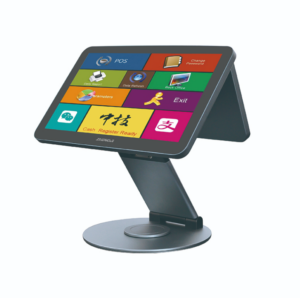
了解ANYPAYPOS如何通过配置规划、机箱设计、模块集成、样品制作及量产,为OEM和ODM POS项目提供支持。.
查看详情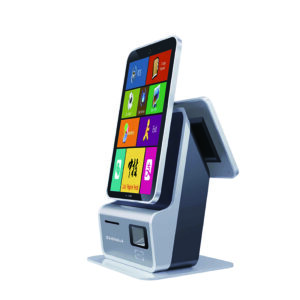
智能零售结账系统正朝着更多自助服务、更高自动化程度以及更精准的商品识别方向发展。智能零售结账系统整合了POS终端、自助服务终端和人工智能秤等硬件设备,以适应不同类型的门店。对于采购商而言,比较…….
查看详情