anypaypos









搜索您想要的内容
搜索全部产品新闻
搜索
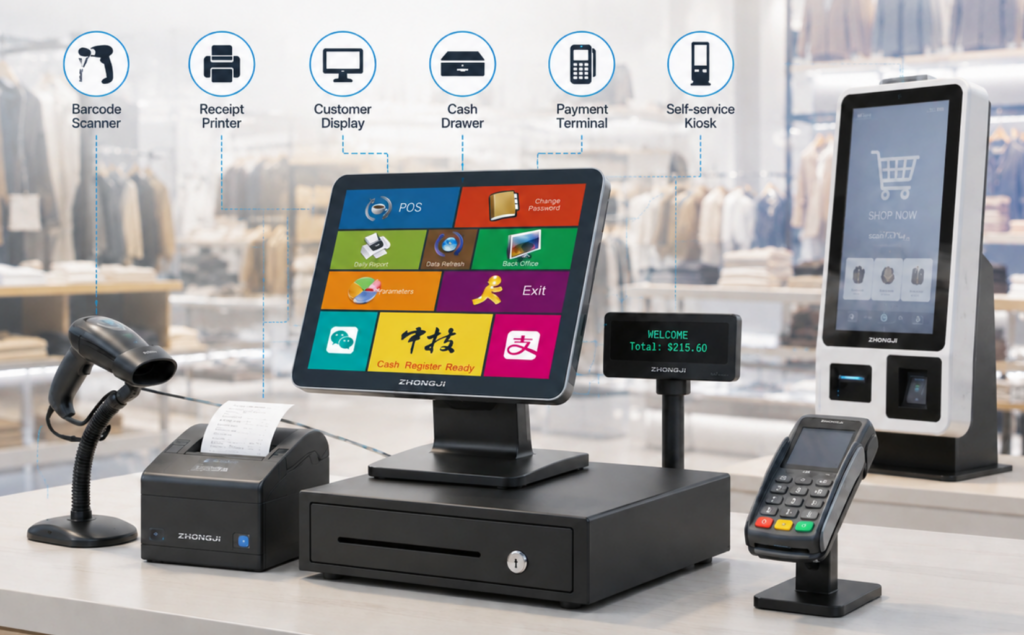
A POS terminal cannot complete every retail task by itself. Most checkout projects also require scanners, receipt printers, cash drawers, customer displays or other peripheral devices.
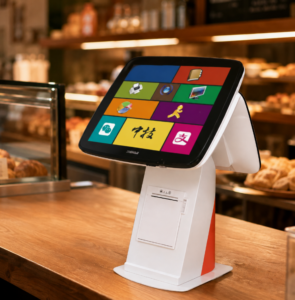
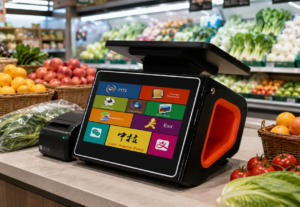
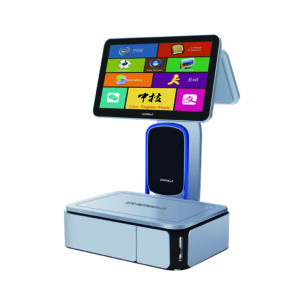
ANYPAYPOS presents POS cash-register peripherals as part of its product and OEM/ODM solution range. A well-planned peripheral ecosystem can make checkout operation more consistent and reduce integration problems for retailers and software partners.
The correct peripheral combination depends on what happens at the checkout counter.
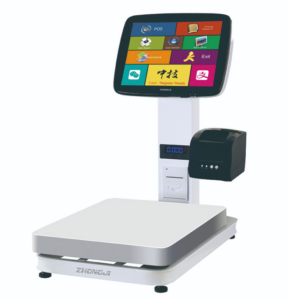
A packaged-goods retailer may require a barcode scanner, receipt printer and cash drawer. A restaurant may need additional kitchen printing or order-number output. A fresh food store may connect an electronic scale, while a chain retailer may use a customer display and several payment devices.
Buyers should list every required function before selecting equipment. Adding devices without a clear purpose can make the counter more complicated and increase maintenance requirements.
Physical placement also matters. Scanners should be positioned according to product movement, and printers should remain accessible for paper replacement.
A matching connector does not automatically guarantee compatibility.
The software team should confirm the peripheral’s communication method, driver requirements and supported commands. Receipt width, barcode format, character encoding and language support may also need to be tested.
Cash drawers are often controlled through a printer or terminal interface, so the complete connection method should be verified.
Customer displays need to show the correct product, quantity and transaction information. Electronic scales may require a specific communication protocol.
Testing should use the same models and software versions planned for the final project.
Retail projects may operate for several years. During this time, a printer, scanner or cash drawer may need to be replaced.
The retailer should keep an approved peripheral list and avoid introducing untested alternatives. Spare devices can be prepared for high-volume locations or remote stores.
Cables, adapters and power supplies should also be included in the approved specification. Small accessory differences can create unexpected installation problems.
For OEM and private-label projects, product color, logo, packaging and module combinations may be discussed according to project requirements. The final configuration should be confirmed through a sample before mass production.
A compatible POS peripheral ecosystem is created through workflow planning, technical testing and controlled product selection. When terminals, scanners, printers and other devices are treated as one connected system, retailers can achieve a more organized checkout counter and a more manageable long-term hardware deployment.