 anypaypos








SEARCH WHAT YOU WANT
Search allProductNews
SEARCH
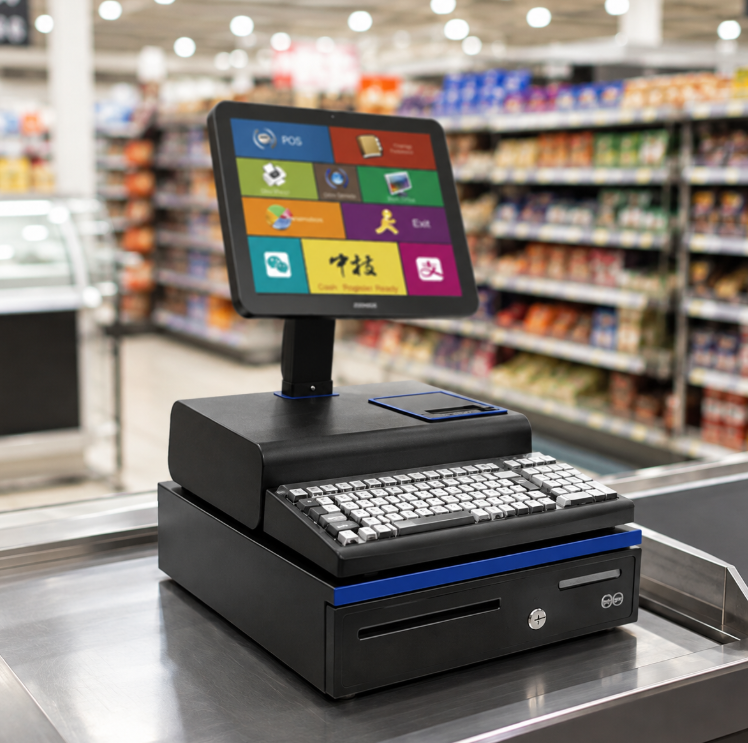
Opening or upgrading a supermarket requires more than selecting one POS terminal. Different departments may need different hardware for packaged products, fresh food, weighing and customer self-service.
ANYPAYPOS currently groups touchscreen POS terminals, AI POS scales, AI label scales and self-checkout kiosks as separate parts of a complete retail hardware system.
A standard supermarket lane may require:
These devices should be arranged according to the physical direction in which products move through checkout.
Products sold by weight require a different process.
Fresh food areas may use:
ANYPAYPOS presents TS7 and other AI-scale solutions specifically around supermarket weighing and checkout workflows.
A supermarket may also add self-checkout kiosks for customers purchasing smaller baskets.
Before installing kiosks, retailers should consider:
One hardware failure should not stop an entire checkout lane.
Supermarkets should consider keeping spare:
Chain stores can also maintain one approved hardware specification so new stores use the same devices.
A new supermarket configuration should ideally be tested in one location first.
The pilot can identify issues related to software, cables, screen position, scale integration and staff workflow before the same system is deployed across additional stores.
Supermarket POS hardware works best as a connected system.
By planning staffed checkout, fresh food weighing and self-service separately, retailers can select hardware that matches each department instead of forcing one device to handle every workflow.
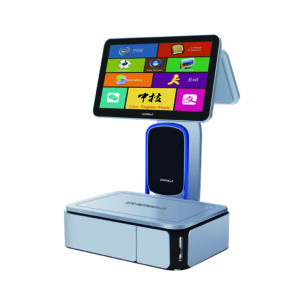
Learn about AI label scale with practical guidance on hardware selection, integration and deployment for supermarkets and fresh-food retail from ANYPAYPOS.
View details
See how ANYPAYPOS presented smart POS terminals, AI scales and self-service kiosk solutions in Suzhou Pinnacle Electronics Debuts at Indonesia’s CIEIE 2025, Smart.
View details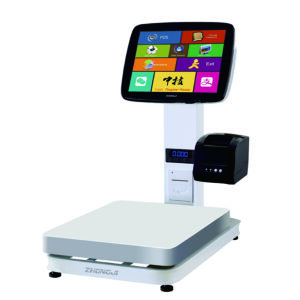
Learn about supermarket pos scale workflow weighing checkout with practical guidance on hardware selection, integration and deployment for supermarkets and.
View details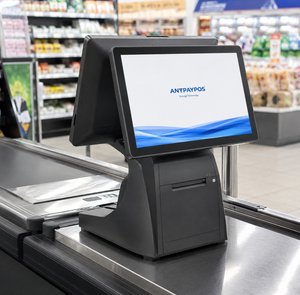
Learn how dual screen POS terminals improve customer interaction, payment confirmation and retail service efficiency.
View details