 anypaypos









SUCHE, WAS DU MÖCHTEST
Alle durchsuchenProduktNachrichten
SUCHE
Barcode scanning is one of the most common checkout functions in packaged-goods retail. A POS system with a barcode scanner can retrieve product information quickly and connect the scanned item with price, stock and transaction data.
Current retail POS platforms support both integrated and external scanner configurations, and USB-connected barcode scanners remain common in retail hardware ecosystems.
Some POS terminals include a scanner directly in the machine.
This arrangement can be useful when:
Compact or integrated scanners can also simplify the appearance of a checkout counter.
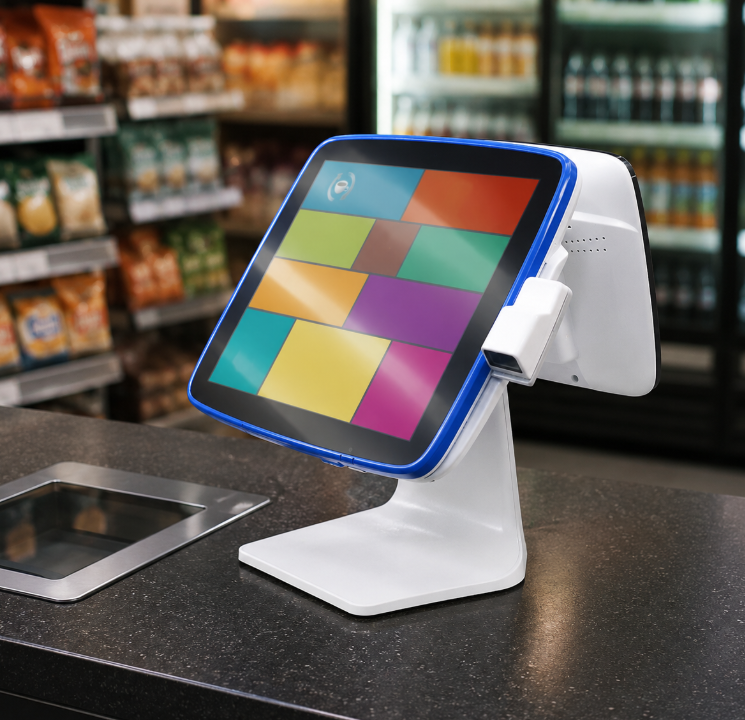
A handheld or desktop scanner provides more positioning flexibility.
External scanners may be preferable when employees scan:
They can also be replaced separately if damaged.
Retailers should check what types of codes are used.
Traditional product barcodes may only require 1D scanning. Projects involving QR codes, mobile coupons or digital membership codes may require a 2D scanner.
The scanner should be tested using actual product labels because reflective packaging, small barcodes and damaged labels may affect performance.
The scanner is only useful when it communicates correctly with the POS software.
The test should confirm:
The approved scanner model should then be documented for future stores and replacement equipment.
A POS system with barcode scanner functionality can use either an integrated or external design.
Integrated scanners are useful for compact checkout environments, while external scanners offer greater flexibility. The best option depends on product size, store layout and daily checkout behavior.
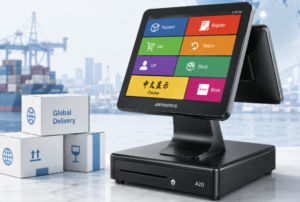
Erfahren Sie, welche Aspekte globale Einkäufer hinsichtlich Stromversorgung, Software, Sprache, Peripheriegeräte und Zertifizierung vor dem Import von POS-Hardware überprüfen sollten.
Details anzeigen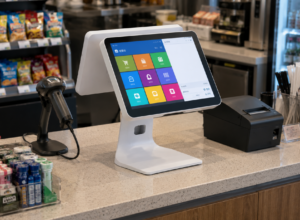
Erfahren Sie mehr über das Touchscreen-Kassenterminal A2 mit praktischen Hinweisen zur Hardwareauswahl, Integration und Inbetriebnahme für Projekte im Einzelhandel und im Gastgewerbe von ANYPAYPOS.
Details anzeigen
Erfahren Sie mehr über POS-Software-kompatible Hardware sowie praktische Hinweise zur Hardwareauswahl, -integration und -bereitstellung für Projekte im Einzelhandel und im Gastgewerbe.
Details anzeigen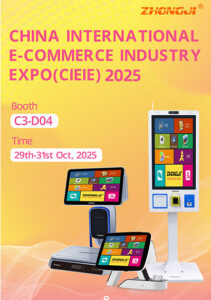
See how ANYPAYPOS presented smart POS terminals, AI scales and self-service kiosk solutions in Suzhou Pinnacle Electronics Debuts at Indonesia’s CIEIE 2025, Smart.
Details anzeigen