 anypaypos









ابحث عما تريد
البحث في الكلالمنتجالأخبار
بحث
A POS terminal may operate successfully in one store but still create problems during a larger rollout. Chain retailers need to manage software compatibility, peripheral selection, installation, replacement units and employee training across many locations.
The Touch Screen POS A13 Series is positioned as a commercial touch-screen POS terminal for retail stores, restaurants and chain checkout counters.
The first step in a chain-store rollout is to define one approved configuration. This should include the processor platform, memory, storage, operating system, screen arrangement, ports and required peripherals.
The configuration document should also record the receipt printer, scanner, customer display, cash drawer and payment terminal used in the project.
When every location purchases different components, software support becomes more difficult. Standardization allows the technical team to test one controlled hardware environment.
The approved sample should remain available as a reference. Any later hardware change should be reviewed before it is introduced into production or installed in stores.
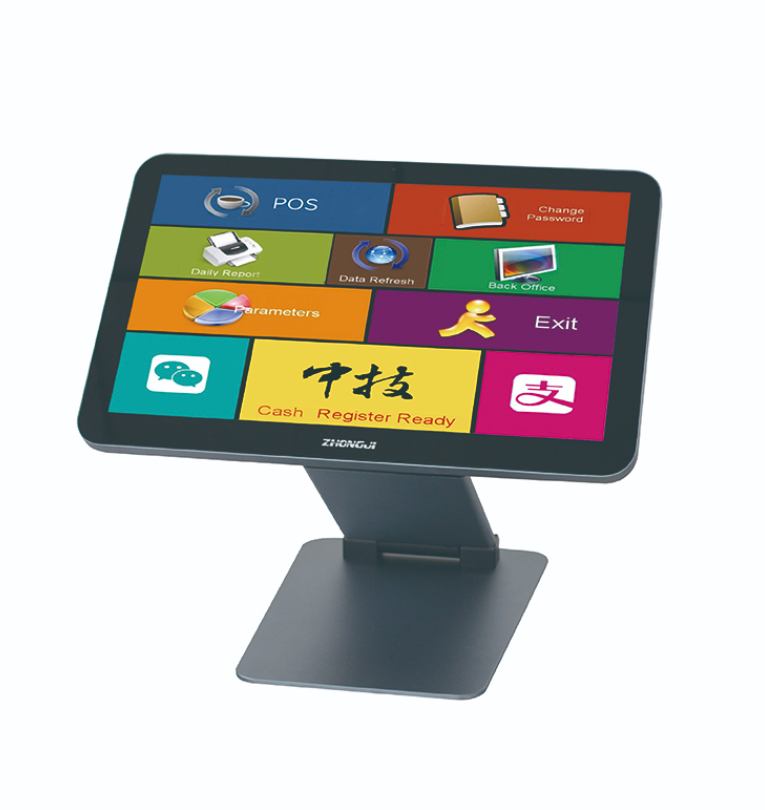
Each A13 terminal can be prepared with the approved operating system, drivers and POS application before delivery or installation.
A standard software image can reduce setup time and prevent employees from installing inconsistent versions. Store-specific information, such as location number, receipt header and network settings, can then be added during deployment.
Installation instructions should show cable connections, peripheral positions and power requirements. Photographs of the approved checkout layout can help contractors and store employees reproduce the same setup.
Chain stores need a clear process for hardware failure and replacement. Spare terminals can be stored with the same approved configuration so that a location can return to operation without a long software installation process.
Retailers should record serial numbers, store assignments and maintenance history. This creates better visibility into which devices have been replaced or repaired.
When the chain opens a new location, the same deployment package can be reused. However, the business should still confirm that the new counter layout and local payment requirements match the established configuration.
Standardizing the A13 Series across a multi-location project can simplify software testing, employee training and replacement planning. The main benefit does not come from using the same exterior design alone, but from controlling the complete hardware and installation specification across every store.
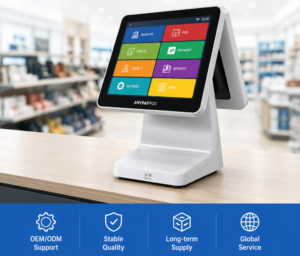
تعرف على شركة تصنيع أنظمة نقاط البيع التي تعمل باللمس، مع إرشادات عملية حول اختيار الأجهزة وتكاملها ونشرها لمشاريع تجارة التجزئة والضيافة من.
عرض التفاصيل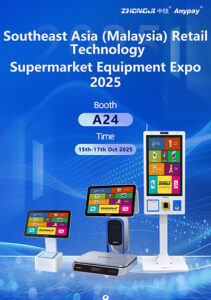
شاهد كيف عرضت شركة ANYPAYPOS أجهزة نقاط البيع الذكية، والموازين التي تعمل بالذكاء الاصطناعي، وحلول أكشاك الخدمة الذاتية في معرض «ماليزيا ريتيل تك إكسبو»، الذي أقيم في مدينة سوتشو، حيث شاركت شركة «بيناكل إلكترونيكس» للمرة الأولى.
عرض التفاصيل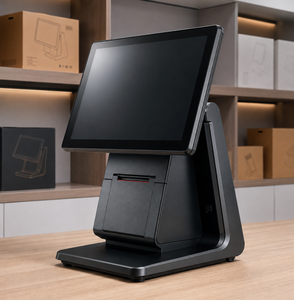
A practical guide for distributors looking for reliable POS terminal manufacturers with OEM capability and stable supply.
عرض التفاصيل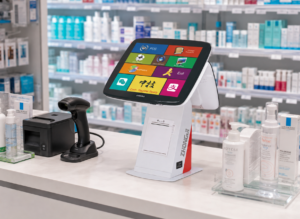
قم بتخطيط مسارات دفع موثوقة ومتواصلة الحركة في متاجر التجزئة باستخدام جهاز نقاط البيع (POS) ANYPAYPOS A4 المزود بشاشة تعمل باللمس، والمصمم لضمان كفاءة النشر والتشغيل اليومي.
عرض التفاصيل