 anypaypos









お探しのものを検索
すべてを検索製品ニュース
検索
Traditional printed posters communicate one fixed message. An interactive digital terminal can present changing promotions, product information and customer guidance from a single device.
The Self Service Advertising A50 can be used as a customer-facing digital touchpoint in retail and commercial environments. Its value depends on the quality of the content and the way the terminal is integrated into the physical space.
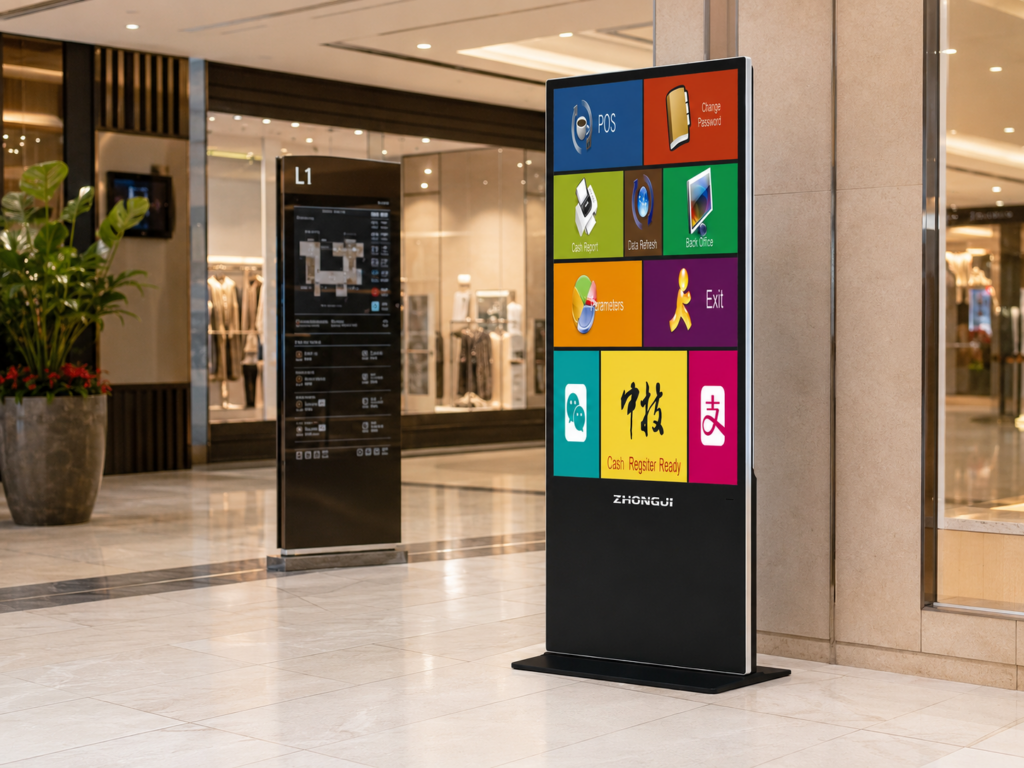
A digital advertising terminal should have a clear communication goal.
Near a store entrance, it may introduce current promotions or new products. Inside a shopping area, it may help customers browse categories or locate a department. In a restaurant environment, it may present menus, limited-time offers or service instructions.
The business should decide whether the A50 will operate primarily as a display or whether customers will also interact with the screen.
Interactive content should provide an obvious reason to touch the terminal. Product search, promotion details, store maps and service information are more useful than simply reproducing a printed poster on a screen.
Customers may view the terminal from different distances. The main message should therefore be visible quickly, with more detailed information available after interaction.
Text should remain concise, and product images should be clear. Important buttons need to be large enough for touch operation.
Content should be updated regularly. Outdated pricing, expired promotions or unavailable products can reduce customer trust.
Businesses with several locations may use a centralized content-management process to distribute approved materials. Store-specific information can then be added where necessary.
A schedule can also be created so that breakfast, lunch, evening or weekend content appears at the appropriate time.
The A50 should be installed where customers can see and use it without blocking normal traffic.
Bright reflections, direct sunlight or poor viewing angles may reduce screen visibility. The terminal should not be placed in a narrow area where one user prevents others from passing.
Power, network access and maintenance space need to be planned before installation. Employees should know how to restart the terminal, report content problems and keep the screen clean.
Usage data from the connected software may help the business understand which pages or promotions customers view most often.
The Self Service Advertising A50 can transform a digital display into a more useful customer communication point. Effective deployment depends on clear content objectives, regular updates, suitable positioning and an interface designed for the real viewing environment.
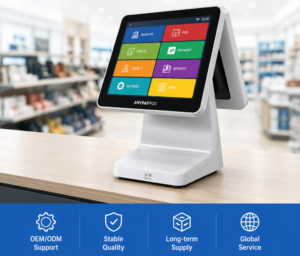
小売およびホスピタリティ業界向けのプロジェクトにおける、タッチスクリーン式POSメーカーに関する情報や、ハードウェアの選定、統合、導入に関する実践的なガイダンスをご覧ください。.
詳細を見る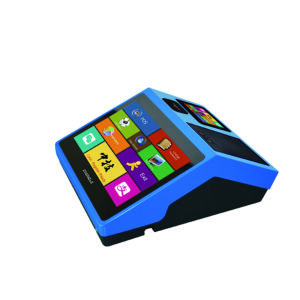
ANYPAYPOSが提供する、スーパーマーケットや生鮮食品小売店向けのセルフチェックアウトキオスクについて、ハードウェアの選定、システム統合、導入に関する実践的なガイドをご覧ください。.
詳細を見る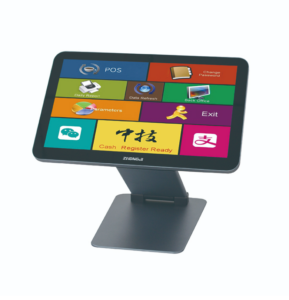
小売およびホスピタリティ業界向けのプロジェクトにおける、POS端末の品質管理について、ハードウェアの選定、統合、導入に関する実践的なガイダンスを通じて学びましょう。.
詳細を見る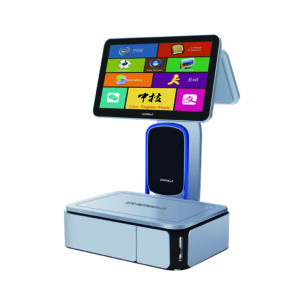
ANYPAYPOSが提供する、スーパーマーケットや生鮮食品小売業向けのAIラベルスケールについて、ハードウェアの選定、統合、導入に関する実践的なガイダンスとともにご紹介します。.
詳細を見る