 anypaypos









お探しのものを検索
すべてを検索製品ニュース
検索
A supermarket handles very different types of transactions.
Packaged goods can normally be scanned through a standard cashier lane. Fruit, vegetables and fresh food may need weighing before price calculation. Customers buying a few packaged items may prefer a self-service checkout area.
Trying to use one hardware configuration for every transaction can make the store less efficient.
A better approach is to divide the checkout environment into zones.
The staffed checkout zone can use touchscreen POS terminals with scanners, printers and payment equipment.
The fresh food zone can use dedicated weighing equipment that connects product identification with weight and price.
Self-service hardware can then support customers with suitable baskets.
Each device is selected for the workflow it performs best.
Fresh food creates one of the biggest differences between supermarket POS projects and ordinary retail checkout.
Products may not have a fixed barcode before weighing.
Employees or customers need to identify the product, calculate its weight and connect the result to the store’s product database.
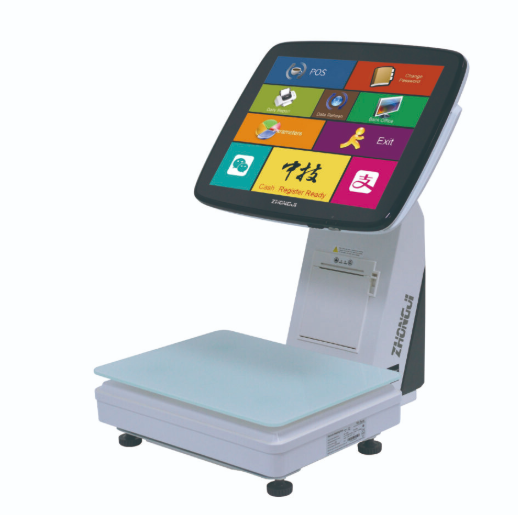
ある AI POSスケール can help create a more guided workflow.
When the product is placed on the weighing platform, recognition technology can assist with product selection. The correct item still needs to be confirmed before the transaction continues.
Product data quality is therefore essential.
The retailer should maintain product names, codes, prices and recognition information centrally.
The physical location of the scale matters as well.
A scale used at a fresh food counter needs enough space for products and packaging. A checkout scale should be placed so the cashier can move between scanning and weighing naturally.
Different hardware does not mean disconnected systems.
Product information and pricing should remain consistent across staffed checkout, fresh food weighing and self-service terminals.
A price changed in the store management system should not create different values in different checkout zones.
The supermarket should therefore test data synchronization as part of deployment.
A pilot store can be useful before a large chain rollout.
The retailer can observe queue behavior, staff movement, weighing accuracy, customer assistance and software communication.
Once the workflow has been confirmed, each zone can be standardized.
This approach gives the retailer flexibility while avoiding unnecessary hardware at every checkout position.
Modern supermarket checkout works best when different transaction types are treated separately.
Staffed POS terminals, fresh food scales and self-service equipment each solve different operational problems.
By designing dedicated zones and connecting them through consistent product data, supermarkets can build a more structured checkout environment.
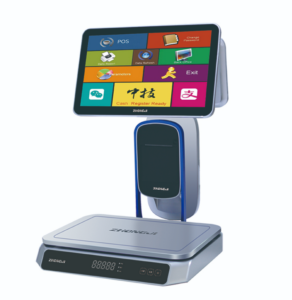
生鮮食品向けレジ端末「TS1」について、スーパーマーケットや生鮮食品小売店向けのハードウェア選定、統合、導入に関する実践的なガイダンスとともにご紹介します。.
詳細を見る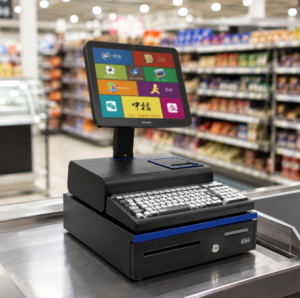
POS端末、スキャナー、プリンター、はかり、セルフチェックアウト機器などを網羅した、スーパーマーケット向けの実用的なPOSハードウェアチェックリスト。.
詳細を見る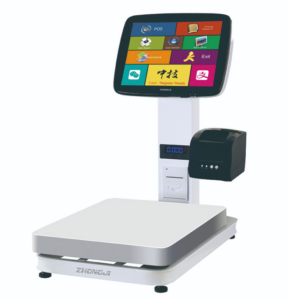
スーパーマーケットなど向けの、柔軟性に富んだ計量ステーションや可動式プラットフォームPOSについて、ハードウェアの選定、統合、導入に関する実践的なガイダンスとともにご紹介します。.
詳細を見る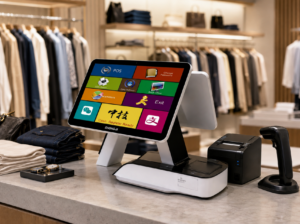
ANYPAYPOSが提供するタッチスクリーン式POS端末「A6」について、小売・ホスピタリティ業界向けのプロジェクトにおけるハードウェアの選定、システム統合、導入に関する実践的なガイドをご紹介します。.
詳細を見る